Med Spa Scheduling Software: 6 Options for 2026
Competitor
Sep 28, 2026

Portrait Care Team
Natasha Peters
Empowering Professionals at Every Stage
Portrait offers strategic expertise to help you make informed decisions and achieve long-term success.
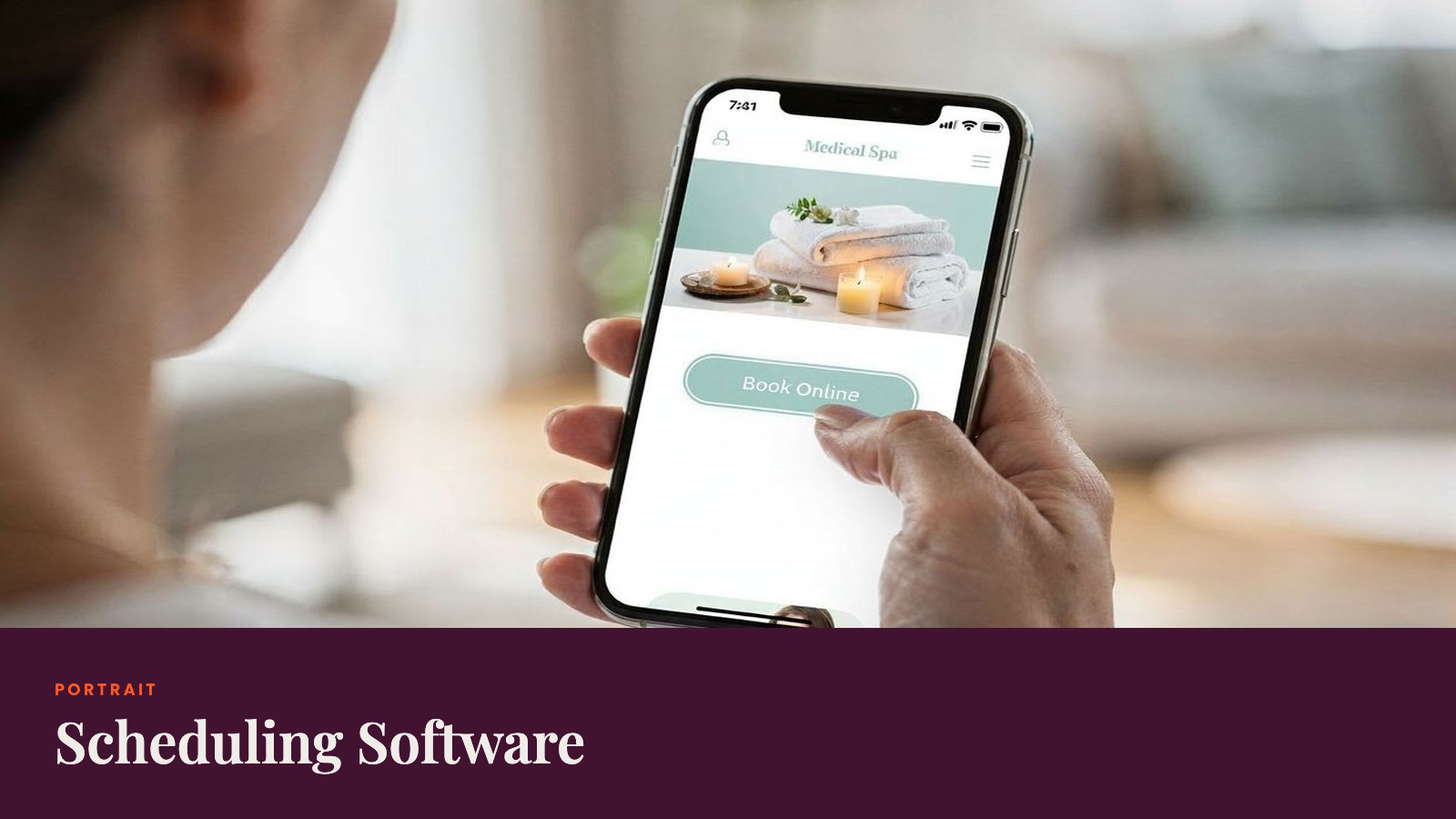
Book Intro CallMed spa scheduling software should coordinate providers, rooms, and devices while connecting appointments with staff availability and patient records. This 2026 guide explains the features to compare, including online booking, reminders, waitlists, deposits, and access controls.
Use the checklist to assess how a scheduler handles your actual workload: booking the right resources, updating client profiles, managing time off, and linking payments to checkout.
Why Getting the Right Scheduling Software Matters
When schedules run smoothly, your providers are busy, rooms are full, and clients show up. Messy scheduling means more no-shows, headaches for your staff, and unhappy clients.
The best medical spa scheduling software takes care of two things at once:
- It lets you book client appointments across different providers, rooms, and devices, all while following HIPAA rules.
- It keeps staff schedules organized, tracks who’s working and manages resources so every treatment room is covered.
If your software brings together appointment booking, staff scheduling, EMR, POS, and client management, your team spends less time on manual tasks. You'll get:
- Automated reminders and waitlists that fill open spots and keep your calendar booked
- Faster workflows for your staff
- Targeted messages that keep clients coming back
- Real-time insight into how your practice is running
According to industry research, tracking key scheduling metrics like utilization rates and no-shows helps you boost revenue and run things more smoothly. Automations in a good scheduler can cut no-shows by 20% to 30% and help your providers stay busy.
Essential Features to Look for in Your Scheduler
Lots of scheduling tools just aren't made for medical spas. Here’s what you want in your system:
Resource-Aware Scheduling in Real Time
Your scheduling software should reflect reality at your spa. You want a quick view of provider, room, and device availability in real time. This helps you avoid conflicts and increases how many patients you can see. Good platforms will:
- Let you view who’s available, which rooms are open, and what devices are free
- Match staff skills or credentials to the correct appointments automatically
- Show you open spots right away so you can fill your calendar and avoid double-bookings
If your system can’t handle providers, rooms, and devices together, you’ll spend too much time fixing mistakes by hand.
Automations for Reminders, Waitlists, and Payments
Manual follow-ups waste staff time and cost you money. Here’s what automation can help you with:
- Text and email reminders reduce no-shows and make it easy for clients to reschedule
- Waitlists fill empty spots automatically without extra phone calls
- Deposits and prepayments help protect your revenue by lowering last-minute cancellations
Pick a system that lets you change deposit amounts, automate payments, and link prepayments straight to checkout. Two-way texting means clients can confirm or move appointments fast. Your team should see all these updates inside each client’s profile.
HIPAA Compliance and Data Security Are Non-Negotiable
If you handle Protected Health Information (PHI), your scheduling software must always stay HIPAA compliant. This means it has to protect health data every step of the way, from booking to reminders and clinical documentation.
- The software provider needs to give you a signed Business Associate Agreement (BAA), which says they handle your PHI and meet HIPAA rules.
- Role-based access is a must. Front desk staff shouldn't see medical histories. Providers need treatment notes. Managers just need reports. Audit logs track every record change for a compliance trail.
- Data encryption in transit and at rest stops breaches. Secure in-app messaging keeps client conversations private. Protected photos connect to client profiles but are only for those who need access.
Your system should mask or limit sensitive details for non-clinical users, use secure templates for reminders, and track consent inside the client’s record. This keeps you covered for audits or privacy checks.
Easy Staff Scheduling
Coordinating provider schedules and resource allocation is just as important as client appointments. Good software helps you:
- See schedules at a glance and assign providers based on certifications
- Track time-off requests without juggling spreadsheets
- Match team assignment tools to your spa’s size, from solo providers to big, multi-location teams
If your staff scheduling talks to your appointment calendar, you won’t have gaps in coverage or wasted time. Your team always knows what’s coming up and when.
Online Booking and Reminders That Clients Actually Use
People want to book on their own time. A good system lets them schedule online, day or night. This means fewer phone calls and more appointments when you’re closed.
- Let guests book easily without creating accounts
- Have accounts for return clients so you can track memberships, packages, and history
- Ask for prepayment for in-demand services to cut down late cancels
- Send automatic confirmations and reminders 24 to 48 hours before each visit to lower no-shows
If your calendar syncs for staff and clients in real time, you’ll avoid double-bookings and keep everything up to date.
CRM, Memberships, and Payments All in One Place
Your scheduler should do more than just book appointments. The best software also:
- Lets you run memberships, sell packages, manage gift cards, and process sales all through one profile
- Keeps balances and reports accurate with no extra tools
- Links your POS with your appointment history so tracking usage is simple
You can also use email and SMS campaigns to rebook lapsed clients, promote services, and fill your calendar. Loyalty points bring people back, and inventory management means you always have what you need, when you need it. If you’ve got more than one location, be sure you can view client profiles and reports for every site together.
EMR, SOAP Notes, and Secure Photo Handling
A true medical spa needs more than just a calendar. You’re documenting care, tracking treatments, and storing photos for before-and-after documentation as part of your medical record.
- EMR lets your providers use SOAP note templates, fill in treatment plans, and keep clinical records organized.
- Secure photo handling is essential. You need high-resolution storage, comparison tools, and image markup to track results and guide future treatments. All photos must connect to the client profile with HIPAA-compliant security.
- Intake forms and consents should be digital, automatically tied to client profiles, and easy to update as needed. Provider sign-offs help maintain quality and accountability.
If your clinical documentation talks with your scheduler, your team spends less time chasing charts and more time with patients.
Real-Time Analytics
If you can’t measure, you can’t improve. This is where real-time dashboards help you see what’s working, what’s not, and where to make changes.
- Utilization rates show how well you fill your schedule and generate revenue
- No-show percentages help you spot patterns and test fixes
- Rebooking rates show you how well you hold on to clients
- Provider capacity and appointment lengths let you find bottlenecks
Dashboards break down performance by location, provider, or service. You see revenue, staff productivity, and retention in real time. After you launch a new system, keep an eye on all these numbers to adjust and fine-tune how you run things. Good software lets you dig deeper and export data for a more detailed look.
Inside the Top Systems: Uncovering the Best Medical Spa Scheduling Software
1. Portrait Care

Portrait Care gives medical spas a single platform that combines software, services, and supply savings.
Its key features include:
- An integrated suite with electronic health records (EHR), scheduling, payments, CRM, and inventory management
- Medical oversight and compliance support
- Marketing help and launch support for new or growing businesses
- Expert coaching for operations and strategy
- Exclusive national pricing with savings of up to 60% on select products
Unlike other platforms that charge extra for core scheduling tools, Portrait Care is free to start and includes a fully integrated appointment and staff scheduler with its EHR. We believe every medical spa should have medical-grade scheduling and record-keeping from day one without a financial barrier.
- Pros: True all-in-one platform with efficient scheduling and responsive support. Free, fully integrated EMR included.
- Cons: The breadth may exceed what very small spas need.
- Best for: Med spas and wellness clinics that want a modern system with powerful scheduling and an all-in-one partner.
2. Fresha
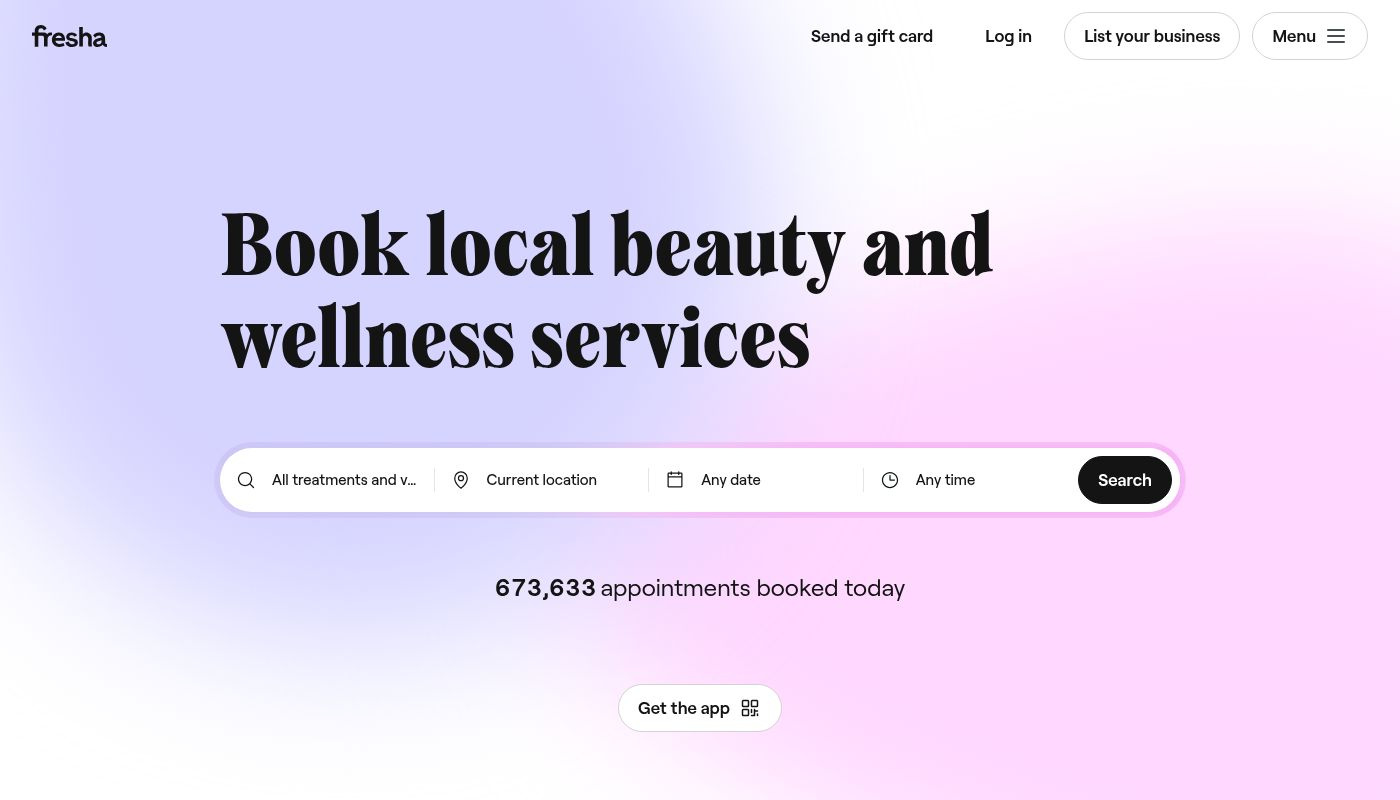
Fresha is a free-to-use booking platform for salons and spas with a global consumer base. It offers online appointment scheduling, client profiles, free SMS reminders, and built-in payment processing. Its marketplace exposure helps attract new clients without extra marketing spend.
- Pros: No subscription fees, easy online booking, free reminders, built-in payments, and marketplace visibility.
- Cons: Limited advanced EMR or compliance tools compared with clinical-focused platforms; some features require Fresha payments.
- Best for: Spas and salons looking for a low-cost, easy-to-use booking system with broad marketplace reach rather than deep clinical documentation.
Compare Portrait Care vs Fresha
3. Vagaro
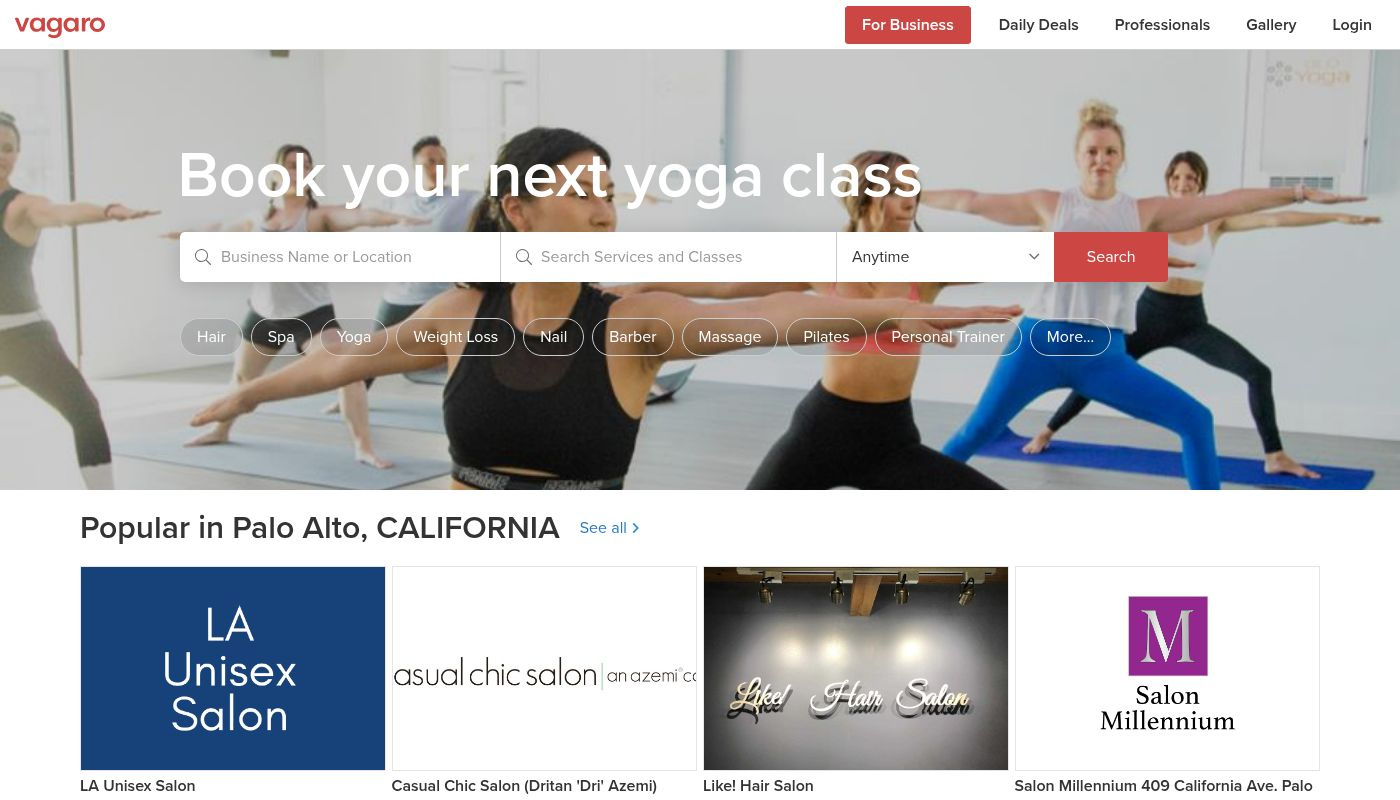
Vagaro offers a full appointment and staff scheduler with online booking, email marketing, text messaging, and marketplace exposure to attract new clients.
Its “secure mode” helps protect patient data, but it only ties loosely to the platform’s basic electronic medical record features, which handle intake forms and simple charting rather than full HIPAA-level EMR.
- Pros: Solid booking and point of sale for the cost.
- Cons: Lighter HIPAA and electronic medical record depth than clinical-focused systems.
- Best for: Cost-sensitive med spas that want quick setup and essential scheduling features.
Compare Portrait Care vs Vagaro
4. AestheticsPro
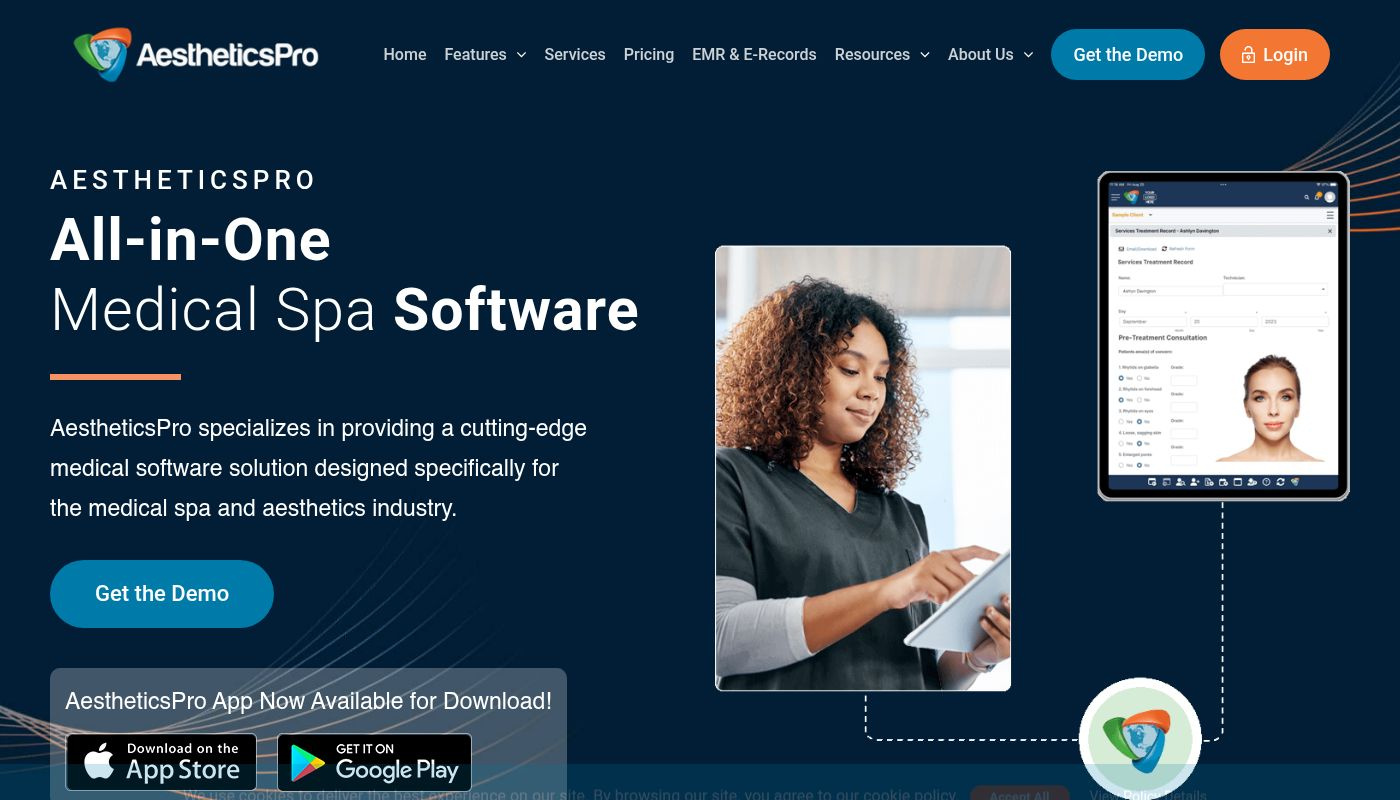
AestheticsPro is a clinically oriented platform with an appointment and staff scheduler tied to a comprehensive electronic medical record. It offers customizable SOAP notes, treatment plan templates, before-and-after photo markup, and optional e-prescribing or integrations.
- Pros: Robust clinical scheduling with deep charting and templates, strong HIPAA compliance, and secure media handling.
- Cons: Staff management, advanced POS, and more complex scheduling features can feel lighter than full all-in-one suites. There’s also a learning curve for the clinical modules.
- Best for: Providers who need robust charting and privacy controls with basic scheduling and POS.
Compare Portrait Care vs AestheticsPro
5. Mindbody
Mindbody is a widely used platform for fitness and wellness businesses that also serves spas. It combines appointment booking, staff scheduling, point-of-sale, and client engagement tools in one system. Built-in marketing, loyalty programs, and a consumer-facing marketplace help drive new bookings.
- Pros: Established brand, robust scheduling and marketing, integrated POS and client app.
- Cons: Pricing can be higher for smaller operators and some features require additional modules.
- Best for: Spas and wellness businesses that want strong scheduling and marketing reach through an established consumer marketplace.
Compare Portrait Care vs Mindbody
6. Zenoti
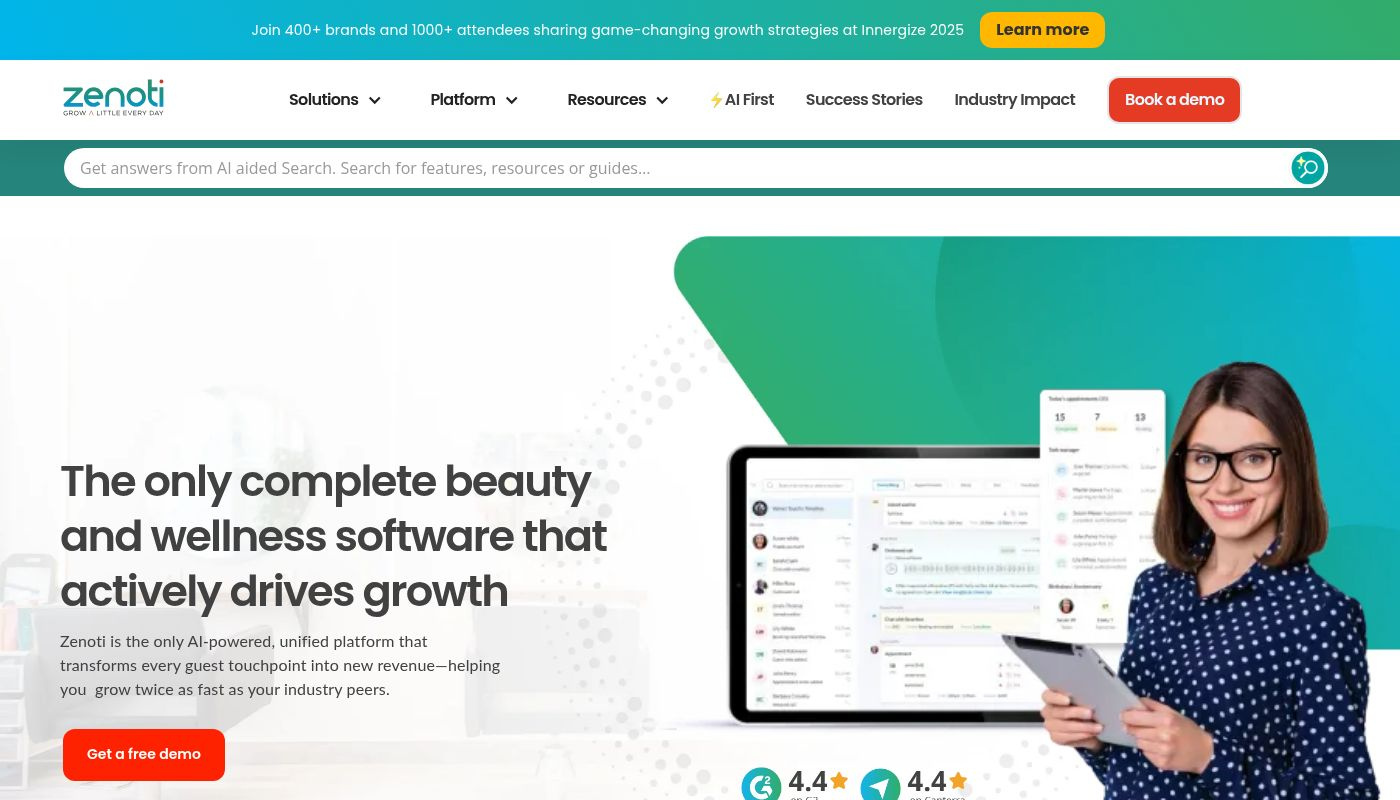
Zenoti is built for enterprise-level appointment and staff scheduling across multiple sites. It lets managers coordinate providers, rooms, and devices in real time for complex, multi-location operations.
The platform also includes advanced CRM, inventory management, and an electronic medical record that meets US health privacy standards. Analytics, reputation tools, and social media integrations support marketing and client growth.
- Pros: excellent multi-location reporting, robust permissions, powerful marketing and loyalty features.
- Cons: higher pricing and longer contracts than smaller systems, more training time required.
- Best for: Multi-site operators that need centralized staff oversight, advanced analytics, and marketing at scale.
Compare Portrait Care vs Zenoti
How to Get the Most from Your New Scheduling Software
A scheduling system only delivers full value when it is set up thoughtfully. Use this checklist to launch smoothly and keep operations running at a high standard.
Onboarding the essentials
Begin by setting up the backbone of your practice in the software. Make sure you:
- Enter all providers, treatment rooms, and devices so the scheduler reflects real-world availability
- Configure service durations, intake forms, and consent documents
- Build templates, SOAP notes, and treatment plans to standardize documentation from day one
Automate what you can
Once the basics are in place, activate automations. Configure reminders for appointments, deposits, and prepayments to reduce no-shows. Schedule membership renewals and follow-up messages to re-engage lapsed clients. These steps cut manual work and keep your calendar healthy.
Secure data migration and compliance
Work with your vendor to migrate existing client profiles, treatment notes, and billing records into the new system. Confirm that a signed BAA is in place. Establish roles and permissions so each staff member sees only what they need to do their job, maintaining privacy compliance.
Train your team
Provide staff training by role before the go-live date. Front desk, providers, and managers should each know their workflows. Good vendors offer checklists, videos, and sandbox environments so everyone can practice ahead of launch.
Track the impact in real time
After launch, monitor utilization rates, no-show percentages, membership churn, deposit capture, and client feedback. Real-time dashboards show what is working and where to adjust, helping you improve retention and client experience while staying compliant.
FAQ
Which tools are best for reducing no-shows?
Automated reminders, deposits or prepayment, waitlists, and easy reschedule flows work well inside appointment scheduling. Pair these with simple booking software and targeted marketing campaigns for reactivation. Add management tools that flag clients at risk of missing visits to simplify operations without extra manual work.
Do I really need EMR if I only offer injectables?
Yes, most spa owners offering injectables benefit from an electronic medical record. This captures medical history from each appointment, informed consent, treatment notes, and photo records. A compliant software solution protects client data, supports accurate charting, and helps deliver a safer, more consistent patient experience.
How does HIPAA affect online booking, text messaging, and email?
Your appointment booking, scheduling, and communications must all protect PHI. Look for a signed BAA, role-based access, audit logs, and secure storage. Make sure scheduling tools mask or limit sensitive information visible to non-clinical staff. Use templates that avoid sharing protected details over text or email. Choose a software solution that tracks consent and message history inside each client profile.
Can I run memberships, packages, POS, and payment processing in one software solution?
Yes. Leading med spa software links memberships, packages, gift cards, and sales systems directly to client profiles. This keeps renewals and balances accurate. It also improves reporting and the customer experience while reducing the need to toggle between tools.
Ready to Simplify Your Medical Spa Scheduling?
The right scheduling software can totally change how you run your med spa. When you connect appointments, staff schedules, clinical notes, and payments in one place, your team moves faster and your clients have a better experience.
Portrait Care gives you tech, support, and savings together, so you can run and grow your business confidently. You get scheduling, plus EHR, payments, CRM, and inventory tools all in one place and all easy to use.
With Portrait, you’ll never pay extra for scheduling. Everything’s included from the start, and you get medical oversight, compliance help, marketing, and coaching. Discounts can save you up to 60% on select products too.
Want to see how the best medical spa scheduling software makes your jobs easier? Book a call and see how Portrait can update your practice today.
Savings vary by practice, product mix, and order volume. Figures reflect select products and are not guaranteed.
Related reading
- Glutathione Injection Price for Clinics (and How to Save)
- How to Save Money on Med Spa Supplies with Portrait
- The Best Dermatology Patient Engagement Software [2026]
- Fresha vs. GlossGenius
- Boulevard vs. PatientNow
Save up to 60% on select products
Portrait brings marketplace purchasing and practice software together to support your daily operations. Actual savings vary by product and purchasing needs. See your supply pricing.
Frequently Asked Questions
What features should med spa scheduling software include?
Med spa scheduling software should combine appointment booking with provider, room, and device availability. Look for staff scheduling, reminders, waitlists, deposits, online booking, and connections to patient records and payments. These features help your team manage resource conflicts and keep appointment details together in each client profile.
What is resource-aware scheduling for a med spa?
Resource-aware scheduling shows provider, room, and device availability together in real time. It lets your team match appointments to staff skills or credentials and see open capacity before booking. Coordinating these resources helps avoid double-bookings and reduces the need to fix scheduling conflicts manually.
How can med spa scheduling software reduce no-shows?
Automated reminders, two-way texting, and deposits can help reduce no-shows and late cancellations. Clients can confirm or reschedule appointments, while automated waitlists help fill openings. The guide recommends linking prepayments to checkout and keeping appointment updates visible inside each client profile so staff can track changes.
What security features should med spa scheduling software have?
Look for a signed Business Associate Agreement, role-based access, audit logs, and encryption in transit and at rest. The guide also calls for secure messaging, protected photos, and consent tracking. Access controls should limit sensitive details according to each team member's role in the practice.
Can med spa scheduling software manage staff schedules?
Yes, staff scheduling tools can show provider availability, track time-off requests, and assign appointments according to certifications. Connecting staff schedules with the appointment calendar helps prevent coverage gaps. The guide recommends choosing team assignment tools that fit your practice, from a solo provider to multiple locations.
One Platform.
Everything You Need.
Everything You Need.
Portrait combines the technology, support, and savings to run and scale your modern medical wellness business.
Book Intro Call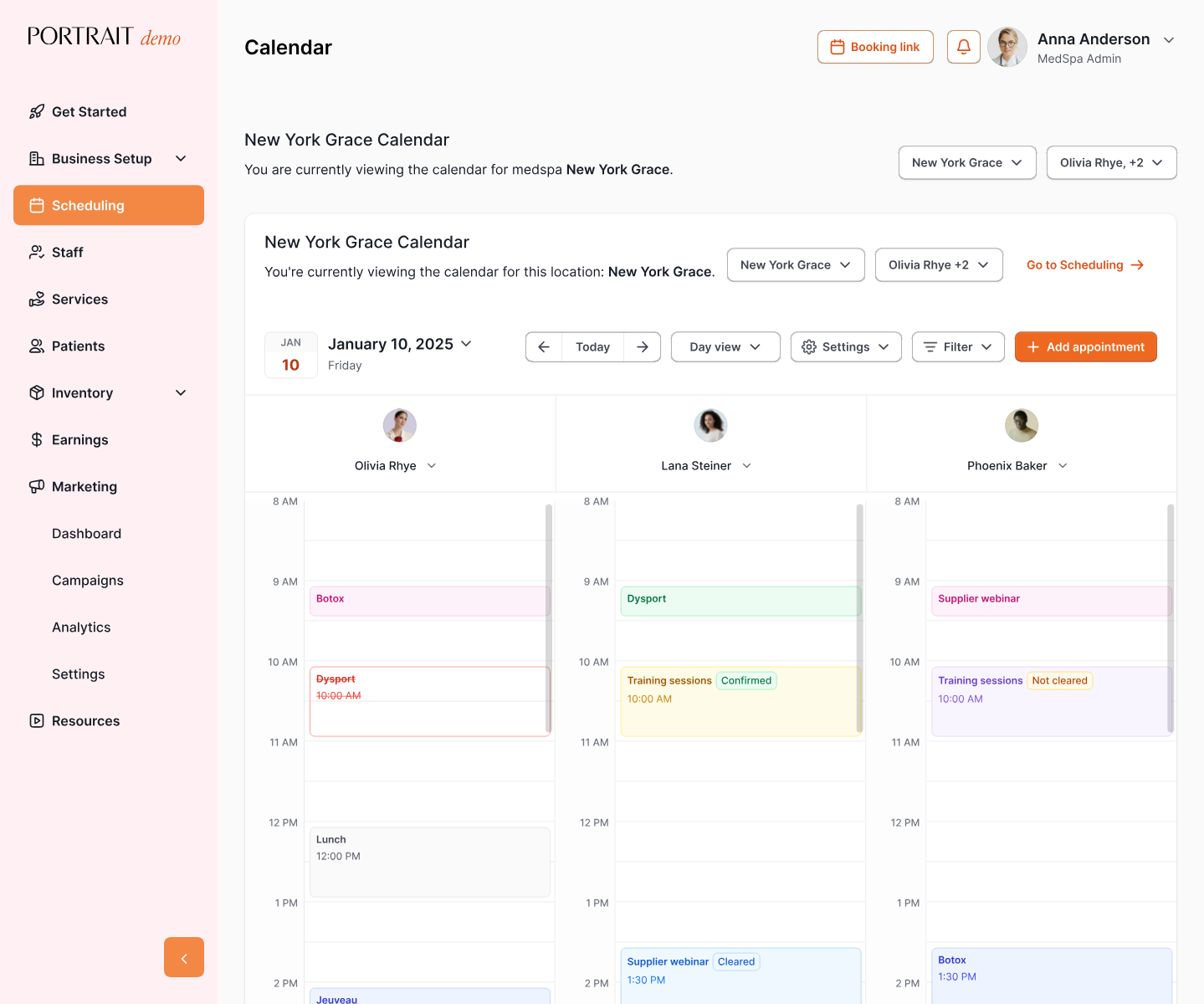

Stay Connected with Portrait Care
Subscribe to our email list and receive the latest insights, updates, and exclusive content delivered straight to your inbox.