![The Best Dermatology RCM Software [2026]](https://cdn.prod.website-files.com/67981e0672f9e49c5b9cb890/6aa2f7fb18290a8124eb73c5_6aa2f1260da1a7f7c33d6a8e_the-best-dermatology-rcm-software-2026-label.png)
Empowering Professionals at Every Stage
Portrait offers strategic expertise to help you make informed decisions and achieve long-term success.
Book Intro CallWant your dermatology practice to grow, not leak cash? You need the right revenue cycle management (RCM) software. The best dermatology RCM software makes getting paid easy, fast, and accurate without giving you or your staff more admin work. Skip the stress, get everything from intake to payment handled in one simple system.
This guide lays out why dermatology RCM is tough, what great software looks like, and how an all-in-one setup keeps your business and clinical work running smooth.
Understanding the Core Challenges in Dermatology RCM
Dermatology billing’s not simple. It’s about choosing and documenting the right codes, not just filing claims quickly. Medical coding gets tricky with things like modifier -25. If you bill an E/M code with a skin procedure, your documentation must show those services are separate and clearly justified. Miss the right chart note, and you’ll get a denial.
Excision coding is also high-stakes. Codes in the 11400 to 11646 range need the biggest clinical diameter plus margin details, all properly charted. Incomplete notes lead to downcoding, which costs your practice money.
Denials hurt everyone. Dermatology practices see about 30% more denials than the average clinic . If you’re over a 10% denial rate, something in your workflow's broken. Reports show payer denials are now a bigger issue than staffing losses .
Here’s what’s burning up your team’s time:
- Frequent prior authorization changes
- Higher CMS oversight for skin substitute billing
- Huge loads of admin work (a lot of which comes from EMR tasks)
The bottom line? Healthcare pros lose up to 4 hours daily to their EMR instead of seeing patients. That’s time and money down the drain.
The Foundations of Effective Dermatology RCM
Great RCM starts long before a patient even sits down. Get accurate insurance and demographic info up front. This stops a lot of headaches later. Next, clean claims, fast denial follow-ups, and solid tracking keep money flowing.
The top-performing dermatology clinics usually do these things:
- Use all-in-one systems, so clinical and financial data live together
- Automate stuff like eligibility checks and billing reminders
- Track the right revenue numbers:
- Days in A/R: Keep it under 40
- Clean claim rates: Keep above 95%
- Denial rates: Keep under 10%
And don’t forget compliance. HIPAA-compliant notes, secure payment flows, and strong documentation habits are non-negotiable.
Identifying the Best Dermatology RCM Software Features in 2026
If you’re shopping for the best dermatology RCM software this year, focus on features that actually help you get paid and make your team’s life easier.
- One HIPAA-compliant EHR should handle scheduling, charting, billing, and inventory. Chopping this up with too many different tools always leads to chaos and lost revenue.
- Automated online scheduling, claim scrubbing, and real-time insurance checks speed up your workflow.
- Good denial management should tell you the real reason claims got denied, so you can fix issues before they get expensive.
- Built-in payment processing, live dashboards, and reporting tools should all work together so tracking revenue is simple.
- For dermatology, look for AI-assisted coding, inventory tracking for cosmetic products, and options for subscription or membership billing.
The best systems connect everything, so scheduling, charting, payments, and reporting always pull from the same info. That cuts work and errors for your team.
How Portrait's All-in-One Platform Optimizes Dermatology RCM
Portrait’s built for medical wellness and dermatology clinics. The all-in-one platform puts EHR, scheduling, billing, payments, patient CRM, and inventory in one spot. You don’t have to juggle a bunch of software that barely talks to each other. Everything flows and updates together.
Software: The Backbone of Dermatology Operations
The Portrait tech stack includes EHR and scheduling, CRM, patient portal, inventory, ordering, and payment processing. All these tools are built to work together—not patched together after the fact.
So, what does that mean for RCM?
- Patient data moves from intake to billing without any double-entry
- Scheduling connects directly to charting. Charting leads straight into billing and payment
- Book an appointment, and you’re one step closer to a billable, documented encounter
You get real-time dashboards for revenue, staff output, and patient retention without chasing spreadsheets from different systems.
Portrait keeps pricing simple. Free for practices with under 50 patients, then it’s $99/month per clinic. You don’t sign long contracts and there’s no revenue sharing or hidden charges. That’s a huge break compared to software that nickel-and-dimes your growth.
Marketing & Operations: Driving Stable Cash Flow
RCM's about more than just billing. You can’t collect money if you’re not seeing enough patients. Portrait’s marketing and operations support takes care of your digital stuff: websites, SEO, paid ads, social media, email, and SMS reminders. They also fine-tune your site to help more people book with you.
Automated patient communication, like texts and reminders, cuts no-shows and keeps your calendar (and cash flow) steady.
If you’re launching or growing, Portrait’s launch packages handle all the messy setup, so you get back to caring for patients sooner.
Partnerships & Supply Chain: Strengthening Your Clinic’s Bottom Line
RCM is really all about closing the gap between what you spend and what you bring in. Portrait’s supply chain partnerships mean you can get up to 60% on select products thanks to national deals. This includes injectables, devices, and everyday supplies.
You order right in the software. Inventory updates in real time, so you know what’s in stock and when to restock without leaving the app. These supply savings mean more cash to put back into staff, marketing, or expansion.
Practical Tips for Transitioning to a New Dermatology RCM Solution
Switching software sounds stressful, but it doesn’t have to be. If you do it right, you can kick old inefficiencies to the curb without hurting your revenue.
- Plan your data migration. Get your patient info, notes, and old billing records into the new system before your go-live date. Don’t assume this happens on its own. Portrait’s support team helps transfer it all, trains your staff, and makes sure you don’t waste days in downtime.
- Train everyone by role before launch day. Good vendors should offer tutorials, checklists, and sandbox tools, so your team can practice ahead of time. Portrait’s launch process gets most clinics up and running in 30 days or less.
- After launch, watch your metrics: days in A/R, clean claim rate, and denial rate for the first 2-3 months. If something’s off, spot it early and adjust fast.
Elevate Your Dermatology Practice with a Unified RCM Approach
The top practices don’t just put in more hours; they use smarter systems. The best dermatology RCM software connects your clinical work directly to your payments, automates repetitive stuff, and gives you live stats for smart decision-making.
With Portrait, you get HIPAA-compliant EHR, integrated scheduling, payments, smart marketing, and big savings on supplies. It’s built for dermatology and medical wellness. There aren’t any long contracts or revenue splits.
If you're ready to ditch your software patchwork for something that just works, book an intro call and see how Portrait can work for your clinic.
Savings vary by practice, product mix, and order volume. Figures reflect select products and are not guaranteed.
Related reading
One Platform.
Everything You Need.
Everything You Need.
Portrait combines the technology, support, and savings to run and scale your modern medical wellness business.
Book Intro Call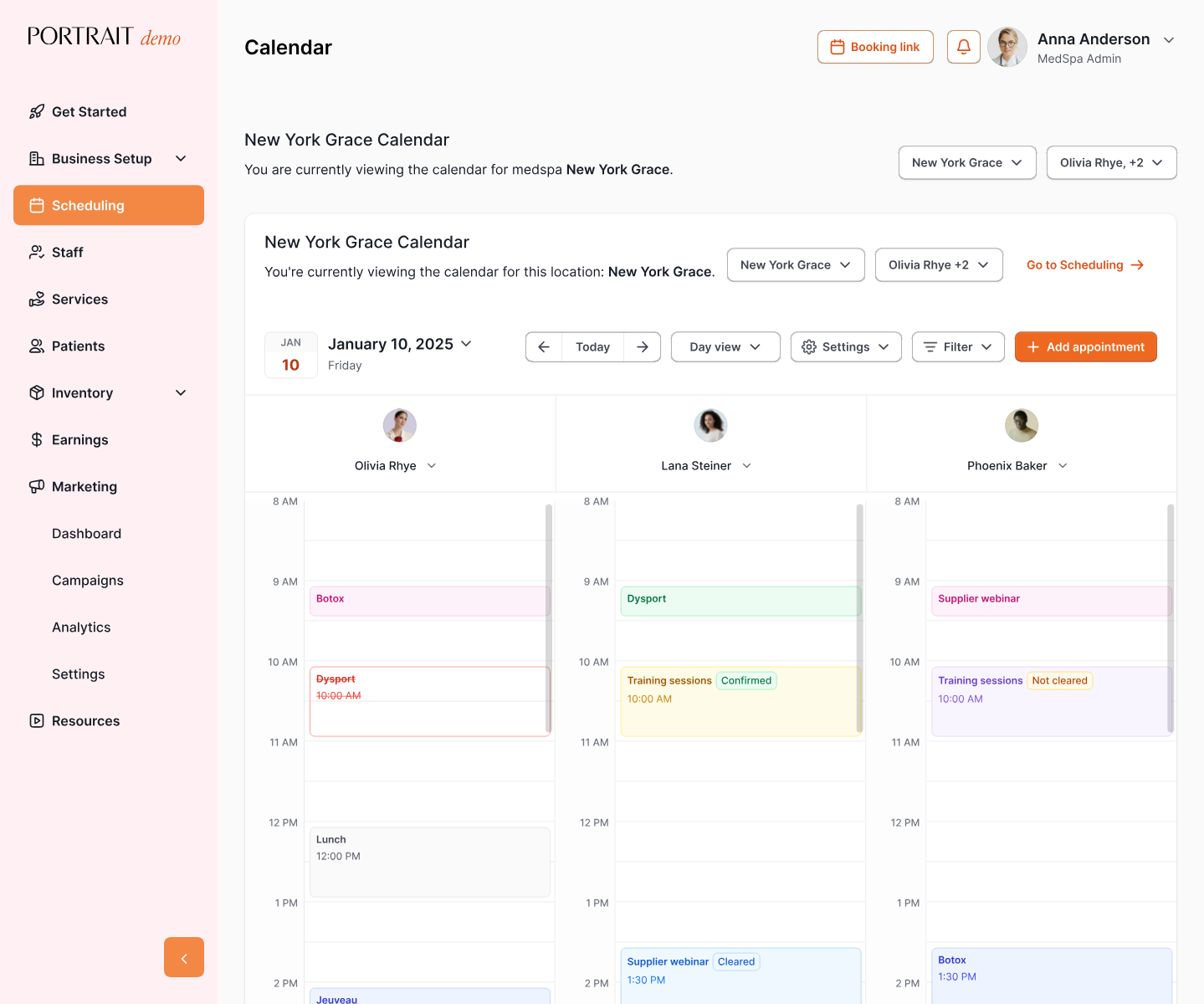



Stay Connected with Portrait Care
Subscribe to our email list and receive the latest insights, updates, and exclusive content delivered straight to your inbox.